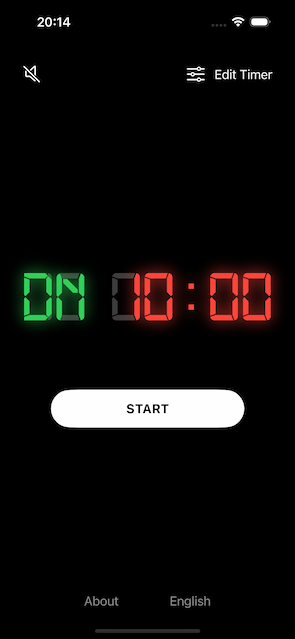
How to set a timer that counts down
Set a countdown timer for For Time workouts or any workout with a dedicated time cap.
Steps
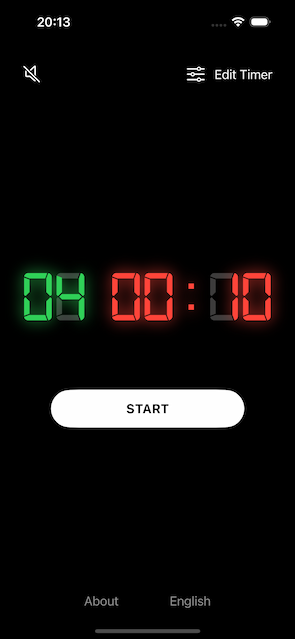
Open the app
Tap Edit timer in the top right of the screen
Tap Down in the segment control for Type of timer
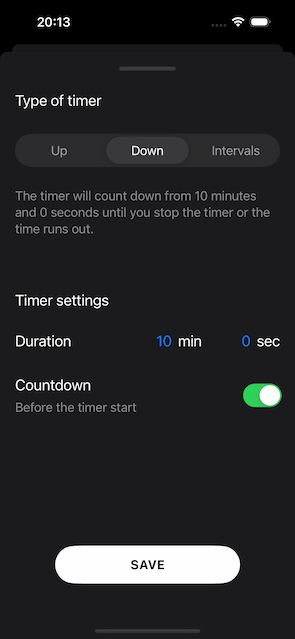
Tap Minutes and Seconds to set the duration of the timer
Tap the Countdown toggle button to make sure that it's on, if you wan't a countdown before the timer starts.
Tap Save to save the current timer settings
Tap Start to start the timer