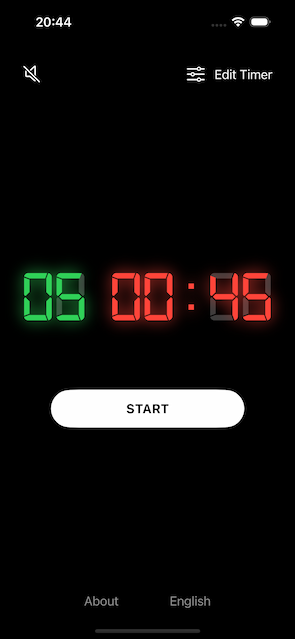
How to set an interval timer with both work and rest time
Set an interval timer with separate work and rest periods for Tabata workouts or any workout where you alternate between work and rest each round.
Steps
Open the app
Tap Edit timer in the top right of the screen
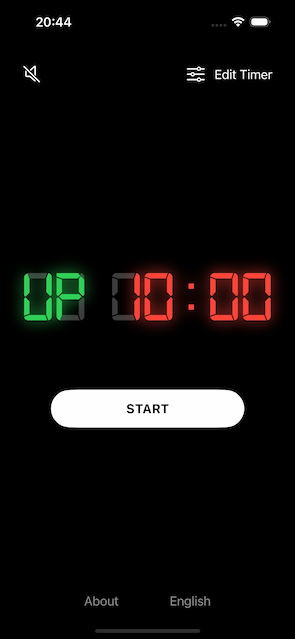
Tap Interval in the segment control for Type of timer
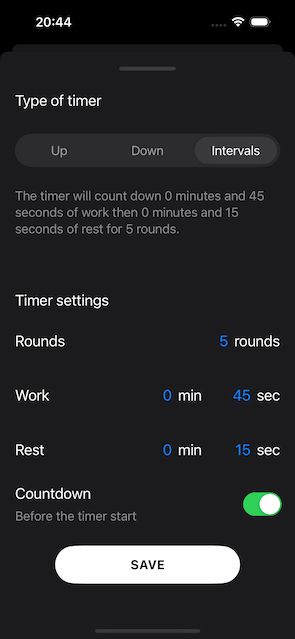
Tap Rounds to set the amount of rounds of the timer
In the example it's 5 roundsTap Minutes and Seconds to set the work duration of the timer
In the example it's 0 minutes and 45 secondsTap Minutes and Seconds to set the rest duration of the timer
In the example it's 0 minutes and 15 secondsTap the Countdown toggle button to make sure that it's on, if you wan't a countdown before the timer starts.
Tap Save to save the current timer settings
Tap Start to start the timer